Fire and Forget: Building Async AI Jobs That Don't Block the User
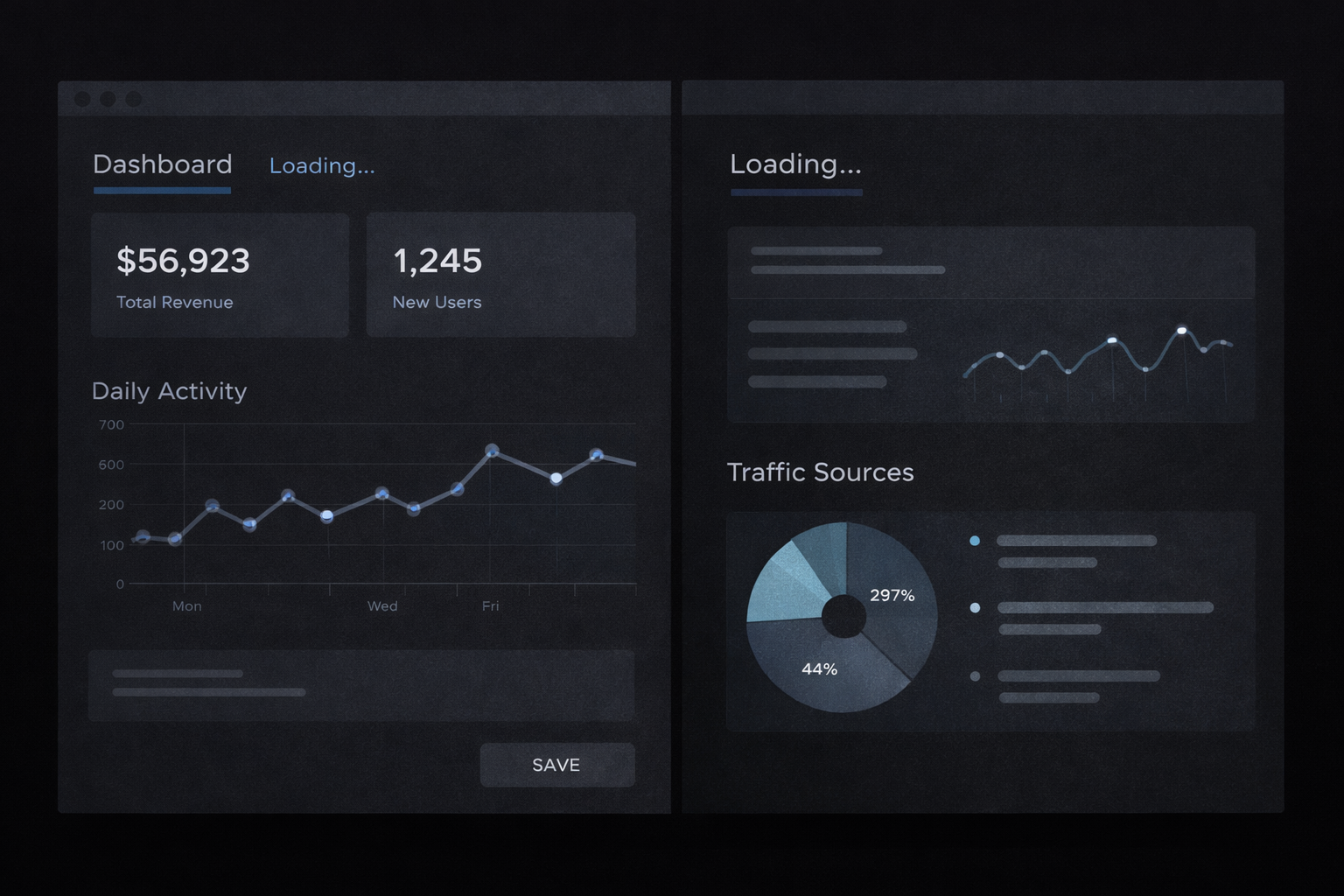
You hit submit. The page transitions. Your workspace is there.
Or most of it. Sometimes the features tab loaded instantly. Sometimes it said "loading" forever. The AI jobs were firing, but the UI had no idea when they'd finish, or if they had.
That's the gap between fire-and-forget and fire-and-forget-gracefully. The first part takes five minutes. The second part is what this post is about.
How after() works
Next.js 15 ships an after() API that does one thing: runs a callback after the response has been flushed to the client. The response goes out, the connection closes from the user's perspective, and your function keeps running.
after(async () => {
  await Promise.all([
    runCompetitorDiscovery(ideaId, supabase).catch(err => console.error(err)),
    runFeatureGeneration(ideaId, supabase).catch(err => console.error(err)),
  ])
})

return NextResponse.json({ id: idea.id })
That return is the whole point. The user gets their idea ID immediately. The jobs start running in the same server process, but they're not in the critical path.
No queue. No worker. No Redis. Just a function that runs after you've already responded.
Fire and forget means handling failure per job
Promise.all fails fast. If one promise rejects, the whole thing throws. That's not what you want here.
These jobs are independent. Competitor discovery failing shouldn't prevent features from generating. So each job gets its own .catch():
await Promise.all([
  runCompetitorDiscovery(ideaId, supabase).catch(err => console.error('Competitor discovery failed:', err)),
  runFeatureGeneration(ideaId, supabase).catch(err => console.error('Feature generation failed:', err)),
])
The outer Promise.all now always resolves. Each job either completes or logs its failure quietly. The user still sees their workspace, just with some tabs empty, which the polling loop will deal with.
This is a small thing that matters when your jobs are running silently in the background and you have no other error surface.
Status without a status table
There's no job_status column in the schema. No pending, running, complete. Tracking job state explicitly felt like more infrastructure than this pattern deserves.
Instead, completion is implicit: if the data exists, the job finished.
const isLoading = competitors.length === 0 || features.length === 0
That's the entire status check. The workspace loads with whatever data is available. If a tab is empty, it shows a loading state and starts polling. If it has data, it renders.
This works because the jobs are insert-only. They either write their rows or they don't. There's no partial state to reason about, no half-written record that would confuse the check.
The polling loop
This is the section the opening was promising.
The client polls every 5 seconds by calling router.refresh(). No WebSocket, no SSE, no new endpoint. Next.js re-runs the server component and refetches from the database. If the data is there now, the tab renders and polling stops.
const MAX_POLLS = 24
let count = 0

const intervalId = setInterval(() => {
  count++
  if (count >= MAX_POLLS) {
    setIsPolling(false)
    setPollExhausted(true)
    clearInterval(intervalId)
    return
  }
  router.refresh()
}, 5000)
24 polls at 5 seconds each is 120 seconds. Three things can happen:
- Data appears before the limit: tab renders, polling stops
- Limit reached, no data:
pollExhaustedflips to true, loading spinner replaced with "Try again" - User clicks retry: same endpoints fire, counter resets for another 120 seconds
Here's the full flow end to end:
That last case was the missing piece. Jobs firing was never the problem. "Loading forever" is a worse experience than "this took too long, try again."
When you'd outgrow this
after() is one line. The rest of what this post covers is what you actually have to build around it:
- Loading state on each tab that checks for empty data
- Polling loop with
router.refresh()on an interval -
MAX_POLLSlimit andpollExhaustedstate - "Try again" button that re-triggers the job endpoints
- Per-job
.catch()so one failure doesn't silence the others
That's the real implementation surface. Not complicated, but it's not just the hook.
This pattern holds as long as your jobs are fast, idempotent, and not business-critical if they fail silently. Outgrow it when:
- Jobs run for minutes (Vercel function timeouts will end them)
- Failures need guaranteed retry, not a button click
- You need visibility into what's running, what failed, and why
At that point, reach for Inngest or Trigger.dev. Until then, after() is a solid ceiling for a lot of apps.