AI as Database Editor: Replacing Forms with Tool Calling
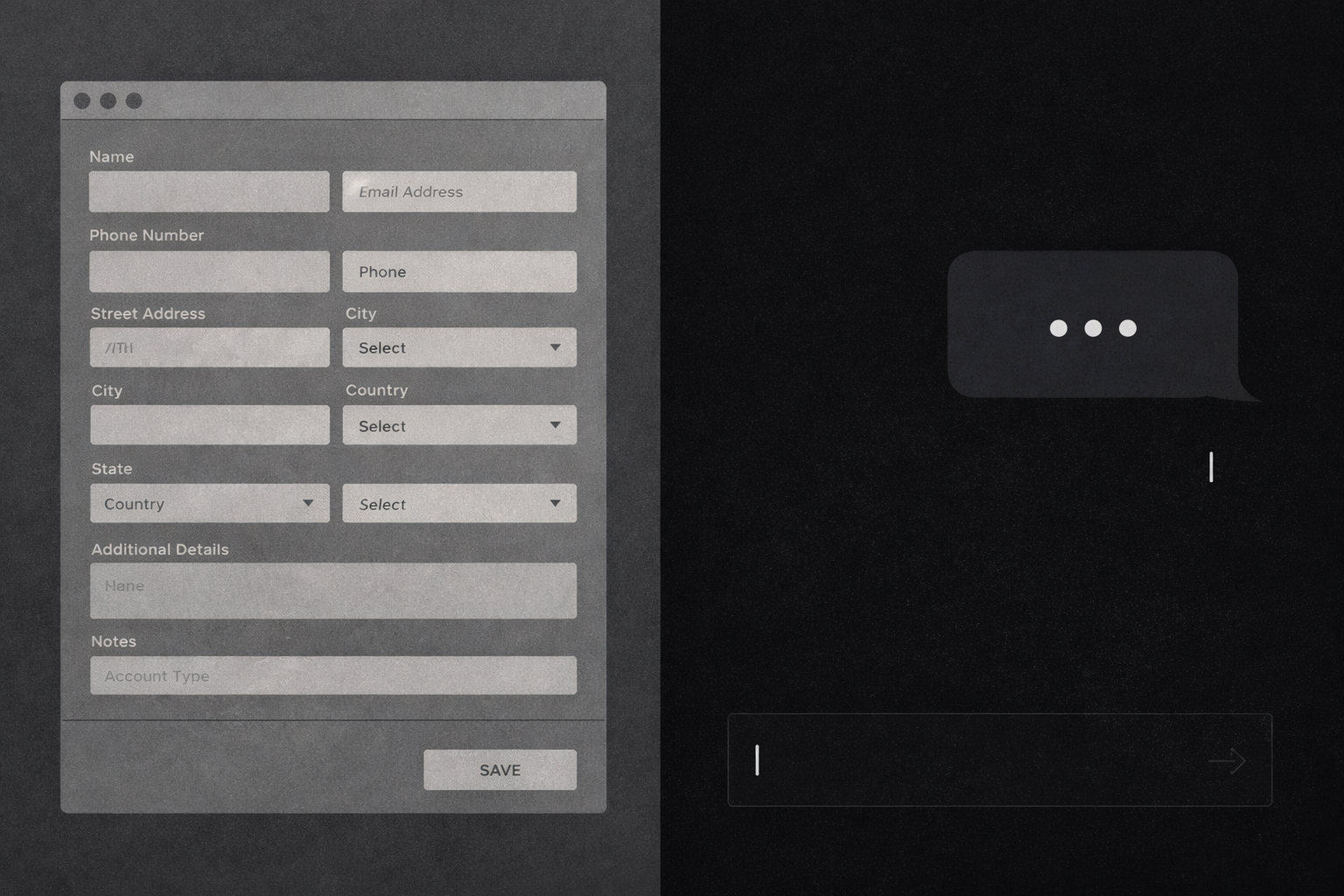
Most apps that add AI still have the same forms. The chatbot sits off to the side. You ask it what to do, then you go do it yourself.
The AI isn't part of the app. It's a helper.
That's not integration. That's decoration.
idearc has one text input. Everything else is driven by conversation. When you ask the AI to "add more features that would be considered must-haves for any app in this space," it doesn't generate a list for you to copy into a form. It adds them to the database. The features tab updates. Done.
I didn't plan it that way. I was testing whether the AI could pull a field value into context. It could. I asked it to expand on the value. The answer was good. And I hadn't built any edit forms yet, so I typed "Good, replace what we have with that." It said it couldn't update the database. A few minutes later, it could. I kept expanding from there: more fields, then adding features, then deleting them.
Only one directly editable field exists in idearc: the title. A pencil icon. Click it, the title becomes an input. Hit the checkmark, it saves and disappears. The most minimal form I could imagine. I added it deliberately, as contrast. A small experiment to see if anyone notices there's nothing else to edit.
So far, nobody has asked where the forms are.
What the pattern actually looks like
The setup is straightforward. You give the model a list of functions it's allowed to call, with descriptions of what each one does and what parameters it takes. When the user sends a message, the model decides whether to answer in text, call a function, or both.
const TOOLS: Tool[] = [
  {
    functionDeclarations: [
      {
        name: 'add_features',
        description: 'Add one or more new features to the idea.',
        parameters: { ... }
      },
      {
        name: 'update_idea_component',
        description: 'Update a field in the structured idea analysis.',
        parameters: {
          properties: {
            field: {
              enum: ['problem', 'solution', 'target_market',
                     'market_segment', 'differentiation', 'monetization'],
            },
            value: { type: SchemaType.STRING },
          },
        },
      },
      // delete_feature, update_feature...
    ],
  },
]
That's the entire surface area the AI can touch. For this app that means adding, updating, and deleting features, and rewriting six structured fields on the idea. In your app it's whatever you expose. It cannot touch anything else.
When the model calls a function, the route handler executes it and writes directly to Supabase. No intermediate step. No confirmation dialog. The user said what they wanted, the AI understood it, the data changed.
if (call.name === 'update_idea_component') {
  const { field, value } = args as { field: string; value: string }
  await supabase
    .from('idea_components')
    .update({ [field]: value })
    .eq('idea_id', idea_id)
}
The conversation might be:
- "Make the target market more specific."
- "Remove any features that depend on us having a large user base first."
- "That sounds right, go ahead."
The user doesn't fill in a field. They say what they want, and the database reflects it.
Why forms are a compromise worth questioning
Forms are not a design choice. They are a fallback.
We use forms because, until recently, collecting structured input from a user meant giving them labeled fields and asking them to fill in the blanks. It was the only option. The form became the default interaction model for any app that needed data, and we stopped questioning it.
The problem is that forms impose structure before the user is ready for it. A field labeled "Target Market" assumes the user already knows their target market well enough to write it down. A field labeled "Differentiation" assumes they have already done the competitive thinking required to articulate one. The form is not a guide. It is a demand.
A conversation does something different. It can push back. It can say "that target market sounds broad, do you mean enterprise or SMB?" and refine the answer before anything gets saved. The output is better because the process is better.
The bigger advantage is that the process is iterative. At any point you can ask the AI to go deeper on a single piece of data. When it gets it right, you save that version. There's no:
- Long AI conversation to scroll back through
- Copy-pasting the good part into a field somewhere else
- Wondering which draft was the best one
It's a single dataset that evolves. The conversation is how you evolve it.
That's a fundamentally different model from the form. Forms assume you already know the answer. Conversation helps you find it.
Where no-forms is the right call
Use this when the answer requires reasoning the user shouldn't have to do themselves.
idearc is a clean example. When you submit a startup idea, the AI:
- Assigns viability and complexity scores to every feature
- Decides which features are MVP candidates
- Identifies competitive weaknesses and maps them to your differentiators
These are judgment calls that require reasoning across a lot of context. A slider from 1 to 10 is not a substitute for an AI that has read your entire competitive landscape before scoring a feature.
The same logic applies when you want to change something. "Remove any features that depend on us having a large user base first" is a meaningful instruction. It requires understanding which features those are, what their dependencies look like, and what the intent behind the request is. A form cannot express that. A delete checkbox next to each feature can, but only one at a time, and only if the user already knows which ones qualify.
If answering the question requires thinking, the AI should do it. If the answer is just a preference the user already has, a control is fine.
Where it breaks down
Precise numeric input is awkward in conversation. Telling the AI "set the viability score to 7" works, but it's worse than a slider. You lose the tactile sense of where 7 sits relative to 6 or 8.
Bulk operations can get unpredictable. A single "remove all features that depend on a large user base" works fine. As a repeated workflow, the AI's interpretation can vary, and there's no clear undo path if it removes something it shouldn't have.
Configuration is not content. Some decisions don't benefit from AI reasoning because the user has already made them. In idearc that means:
- Visibility (private, unlisted, public)
- Account settings
- Permissions
These get controls. Not conversation.
The rule: AI handles content decisions, UI handles configuration. Content is what the idea is. Configuration is how the app treats it. Blur that line and users won't know what belongs in the chat and what belongs in a settings panel.
The silent tool call problem
This shows up the moment you hit production.
When Gemini executes a tool call, it doesn't always return text alongside it. Sometimes the model decides the function call is the entire response. Your route handler executes it, the database updates, and then you ask Gemini for a follow-up reply. It returns an empty string.
The chat panel receives an assistant message with no content. A blank bubble renders. The user has no idea what just happened.
I caught it during testing. The fix is a fallback in the route handler:
const rawReply = followUp.response.text().trim()
const reply = rawReply || `Done — ${actions_taken.join(', ')}. What else can I help with?`
If the model returns text, use it. If it doesn't, generate a minimal confirmation from the list of actions taken. The user sees "Done — Added 3 features. What else can I help with?" instead of nothing.
It's not elegant, but it's honest. The AI did something. The user should know what.
The discoverability problem
The problem isn't the code. Users don't know what to say.
Drop someone into a chat panel next to their idea workspace and they think: chatbot. They ask questions. They expect answers. They don't naturally think "I'll tell this thing to rewrite my differentiation statement."
This isn't an idearc problem. It's a new interaction model. Users have decades of muscle memory for forms: click the field, type the value, hit save. Conversation as editor is genuinely unfamiliar, and no amount of onboarding copy fully bridges that gap.
The first fix was simple: explicit help text above the chat panel. Instead of a blank input, the panel opens with examples of what you can actually say:
- "Add an offline mode feature."
- "Change the target market to enterprise."
- "What are the biggest risks?"
Small thing. But it reframes the chat from a Q&A box into an editor.
Even with that, there's a subtler friction point. A user is looking at a feature card and wants to dig into it. So they switch to the chat and type "let's talk about the Member Database feature." That's not a big ask. But it's a context switch. They're bridging a gap the UI should be bridging for them.
The conversation and the data feel like two separate things. They aren't. But nothing in the UI communicates that relationship until the user figures it out themselves.
Making data and conversation adjacent
The real solution isn't copy. It's proximity.
Every feature card, competitor card, and idea field in idearc is getting a small chat bubble icon. Click it and the chat panel receives a pre-written, context-aware message automatically. No typing required. For a feature card it might be "Let's go deep on Member Database. Analyze the viability and complexity scores, identify risks, and suggest how to strengthen this feature given the competitive landscape." For a competitor it's "Let's discuss Notion. What gaps or weaknesses can we exploit, and how should we position against them specifically?"
The user doesn't write any of that. They just click the button on the thing they're already looking at.
This closes the loop on the pattern. The AI edits the data. The data surfaces the conversation. One click connects them. The gap the user was bridging manually disappears.
The AI and the data feel disconnected by default. Users won't bridge that gap themselves. If those feel like two separate things to the user, the product will too.